Boulevard Reception1.41.25
Publisher Description
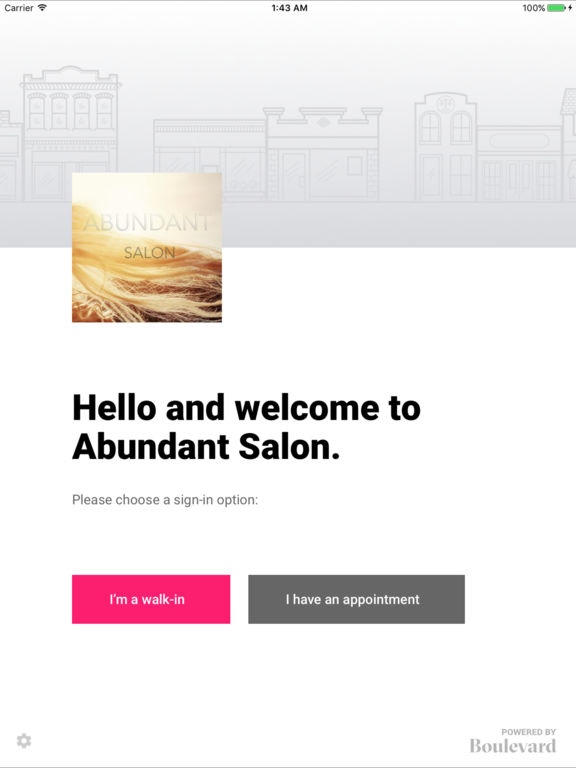
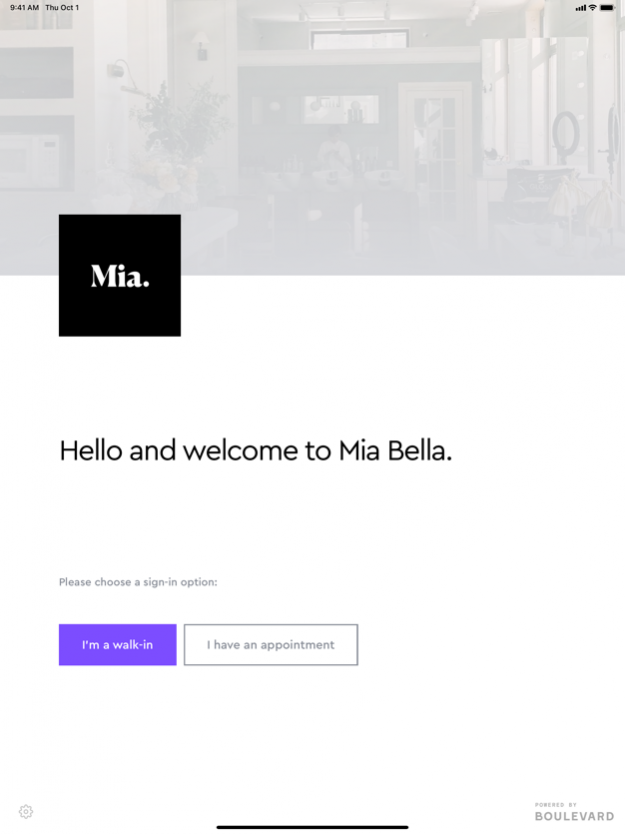
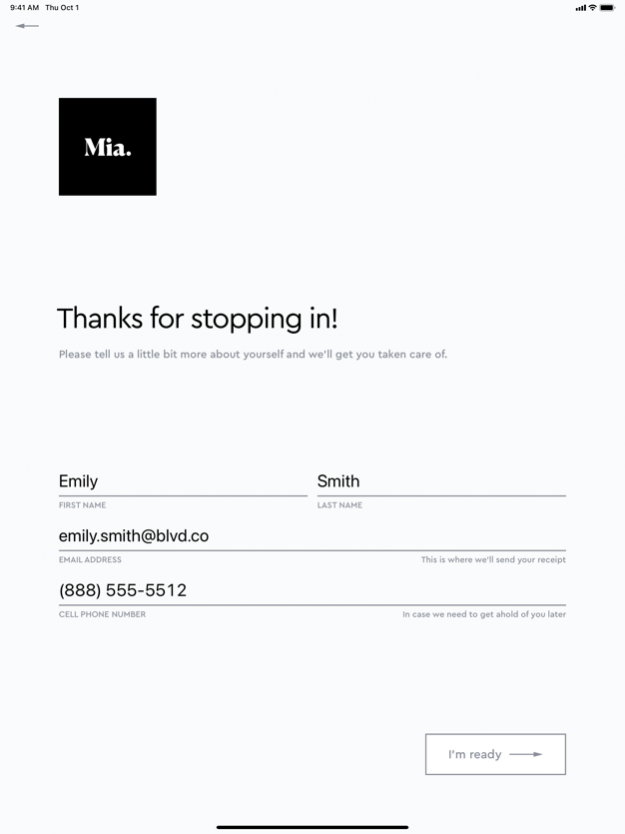
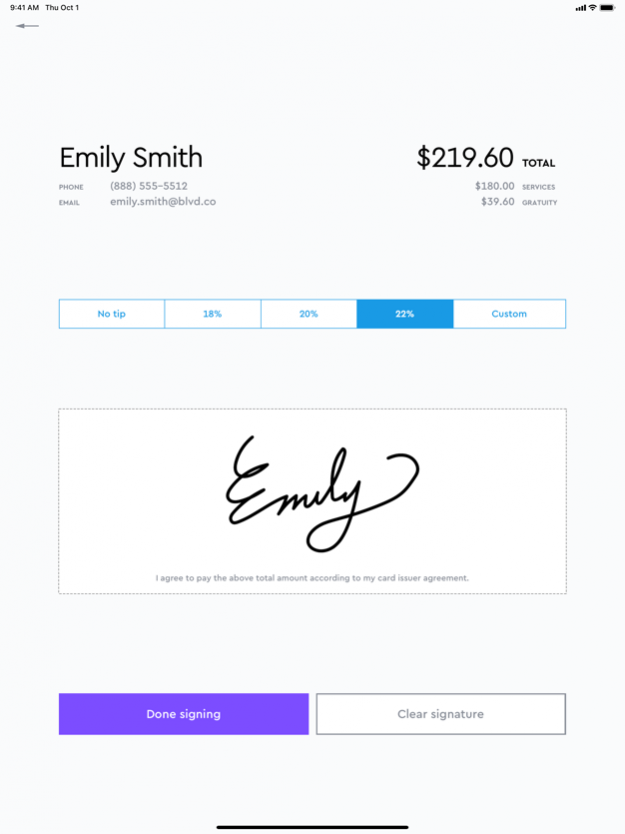
Boulevard Reception empowers your clients – whether they have an appointment or not – to seamlessly check-in at your front desk. Reception lets you capture client details directly on the iPad, freeing up your front desk to focus on hospitality and making a delightful first impression.
CAPTURE CLIENT DETAILS
Create easy to use forms and documents to be filled out and signed at check-in. For walk-in clients, collect their full name, email, phone number, and more.
TRACK ON-TIME ATTENDANCE
When a client checks in for their scheduled appointment, we mark them as arrived on the calendar and track their on-time rate.
NOTIFY STAFF WHEN A CLIENT ARRIVES
When a client has arrived, Reception can notify your staff via SMS, email, and push notifications.
Requires a Boulevard account.
Nov 19, 2020 Version 1.41.25
Bug fixes and stability improvements
- Fixed an issue that caused a crash when the Walk In button was pressed
- Fixed a crash when a form was submitted
- Added better error handling for Okta errors
About Boulevard Reception
The company that develops Boulevard Reception is Boulevard Labs Inc.. The latest version released by its developer is 1.41.25.
To install Boulevard Reception on your iOS device, just click the green Continue To App button above to start the installation process. The app is listed on our website since 2020-11-19 and was downloaded 5 times. We have already checked if the download link is safe, however for your own protection we recommend that you scan the downloaded app with your antivirus. Your antivirus may detect the Boulevard Reception as malware if the download link is broken.
How to install Boulevard Reception on your iOS device:
- Click on the Continue To App button on our website. This will redirect you to the App Store.
- Once the Boulevard Reception is shown in the iTunes listing of your iOS device, you can start its download and installation. Tap on the GET button to the right of the app to start downloading it.
- If you are not logged-in the iOS appstore app, you'll be prompted for your your Apple ID and/or password.
- After Boulevard Reception is downloaded, you'll see an INSTALL button to the right. Tap on it to start the actual installation of the iOS app.
- Once installation is finished you can tap on the OPEN button to start it. Its icon will also be added to your device home screen.
Program Details
System requirements
Download information
Pricing
Version History
version 1.41.25
posted on 2020-11-19
19 Nov 2020 Version 1.41.25
Bug fixes and stability improvements
- Fixed an issue that caused a crash when the Walk In button was pressed
- Fixed a crash when a form was submitted
- Added better error handling for Okta errors
version 1.41.25
posted on 2020-11-19
Nov 19, 2020 Version 1.41.25
Bug fixes and stability improvements
- Fixed an issue that caused a crash when the Walk In button was pressed
- Fixed a crash when a form was submitted
- Added better error handling for Okta errors
version 1.35.17
posted on 2020-10-04
Oct 4, 2020 Version 1.35.17
This update improves behavior with businesses that have a large number of locations, and makes minor changes to the look and feel of the app.
version 1.33.8
posted on 2019-07-16
Jul 16, 2019 Version 1.33.8
This update brings improvements to group checkout.
version 1.1.0
posted on 2016-10-25
version 1.35.17
posted on 1970-01-01
2020年10月4日 Version 1.35.17
This update improves behavior with businesses that have a large number of locations, and makes minor changes to the look and feel of the app.
version 1.41.25
posted on 1970-01-01
2020年11月19日 Version 1.41.25
Bug fixes and stability improvements
- Fixed an issue that caused a crash when the Walk In button was pressed
- Fixed a crash when a form was submitted
- Added better error handling for Okta errors
